For Part 2 we need to talk about wat we are building and more important.. What order we are building it.
For a WordPress website we need the following
- A database (Azure MySql database)
- Azure Service plan
- Storage account for wp-content folder (Test and Productions)
- Webapp (test and production instance)
Ok, so we know what to build now we just need the templates for the resources.
There are 3 ways.
Quickstart templates (of via GitHub)
You can start from scratch with help of the documentation
Or the lazy way by clicking in the portal, follow the wizard and download the preconfigured templates just before you click on create (what we wont do) which we can alter in DevOps.
I will show you the 3th one.
Getting the MySQL instance Template
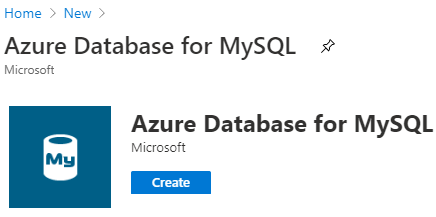
we go to the azure portal and create an new resource “Azure Database for Mysql”
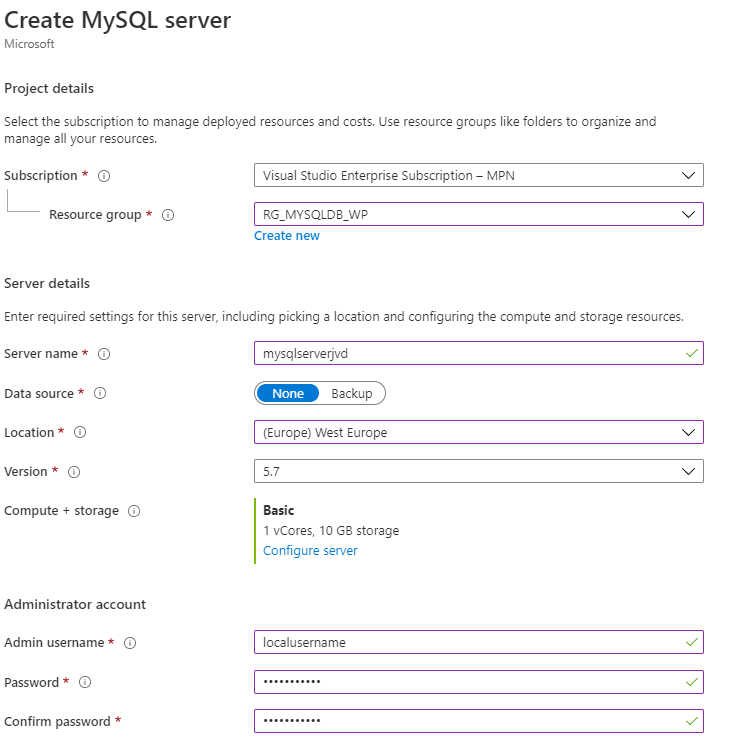
From here i fill in the parameters i want. (dummy values in the screenshot)
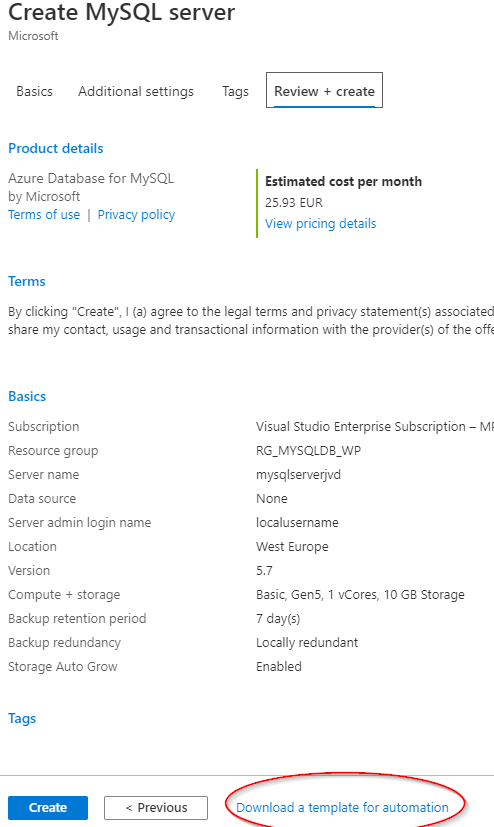
From here i go to the last page of the settings and click on the “Download a template for automation” link
This will give you everything you need to deploy the instance from Azure DevOps.
So i hear you thinking. why not just press on Create?
Simpel.. That’s to easy.. No just kidding.
If we need to repeat this process (if I want to start over for example) I can just redeploy with Azure DevOps (over and over again) with everything exactly the same.
Azure DevOps Git
From the Template page(1) you can just copy everything from the Template page into a new file in Git “mysqldb.json” in the ARM folder. From the Tab Parameters copy everything in to a new file “mysqldb.parameters.json” in the Same folder.
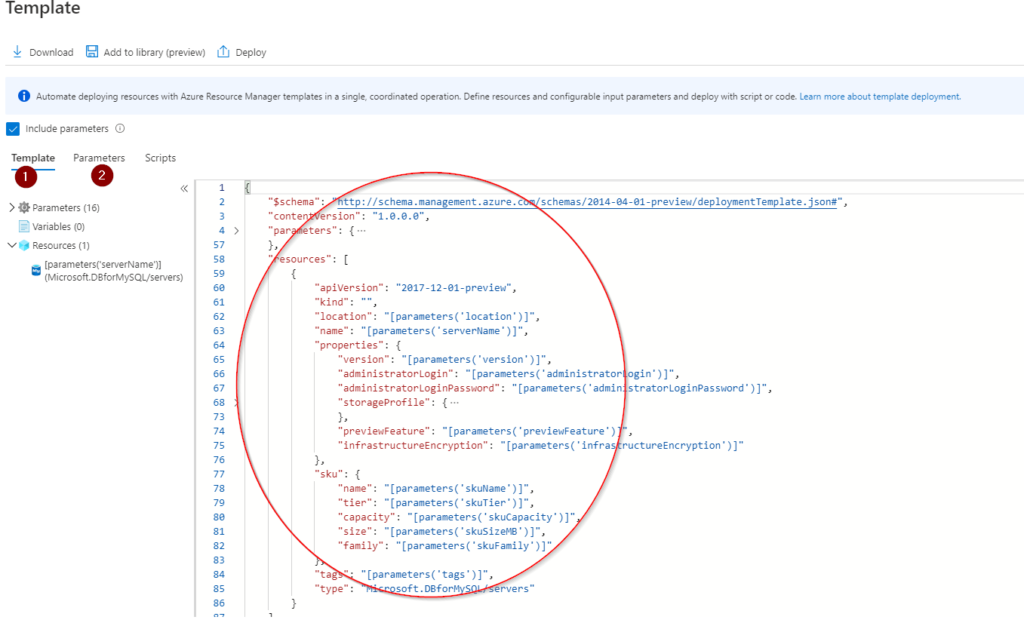
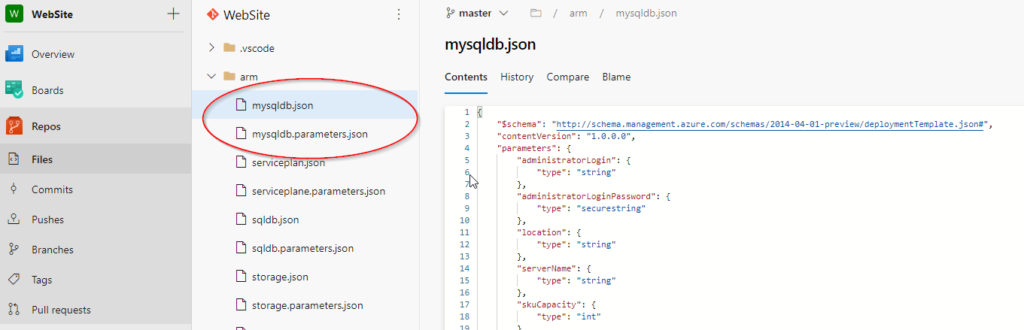
Maybe you notice something with the parameters?
Yes there is no password value available.
This needs to be filled in during deployment as a Secure Variable keep that in mind
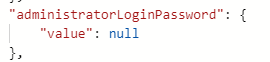
(also not a good idea to put them)
Are we done? NO. not yet.
We only got the template in Git, from here we need to do something with it.
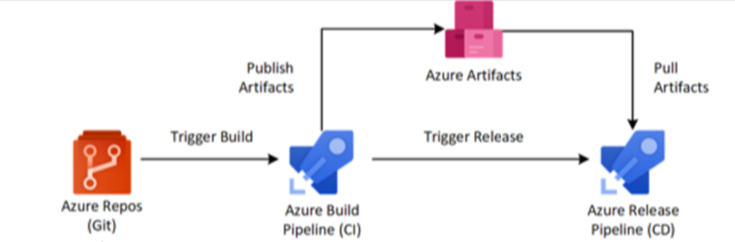
We need to create the Azure Build Pipeline (Blog part3) and the Azure release Pipeline (Blog part 4) to have an end result in Azure.
The process for getting the Template is pretty much the same for the other Apps/Resources which I’m going to deploy. I will be changing the Templates with some extras for my own comfort but I will explain them en share the Templates (without Parameters off course)