I have to start somewhere.
The idea is simple.
Create an WordPress website in Azure.
Well, yes i agree, that’s a little bit to simple.
So lets try again.
Create a Full automated deploying WordPress Test and Production website with PaaS in Azure.
That’s more challenging.
So where to start, we need to have an mechanism to deploy in Azure. That is Azure DevOps of course.
i will be starting this project by creating an DevOps Project called “Website”.
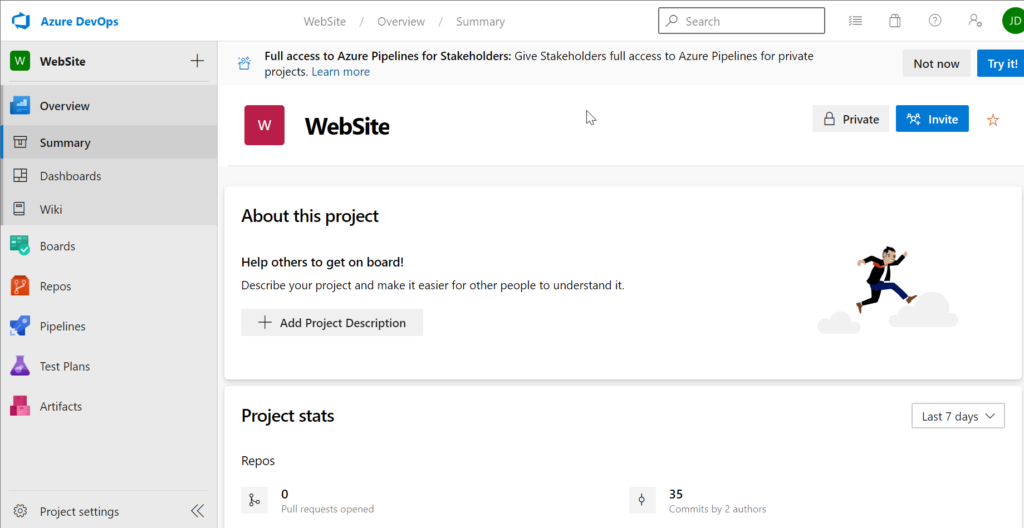
From here i will be creating the following:
– A Git Repository
– Build Pipeline
– Release Pipeline
Within Git i created 2 folders Called “arm” and “pipelines”
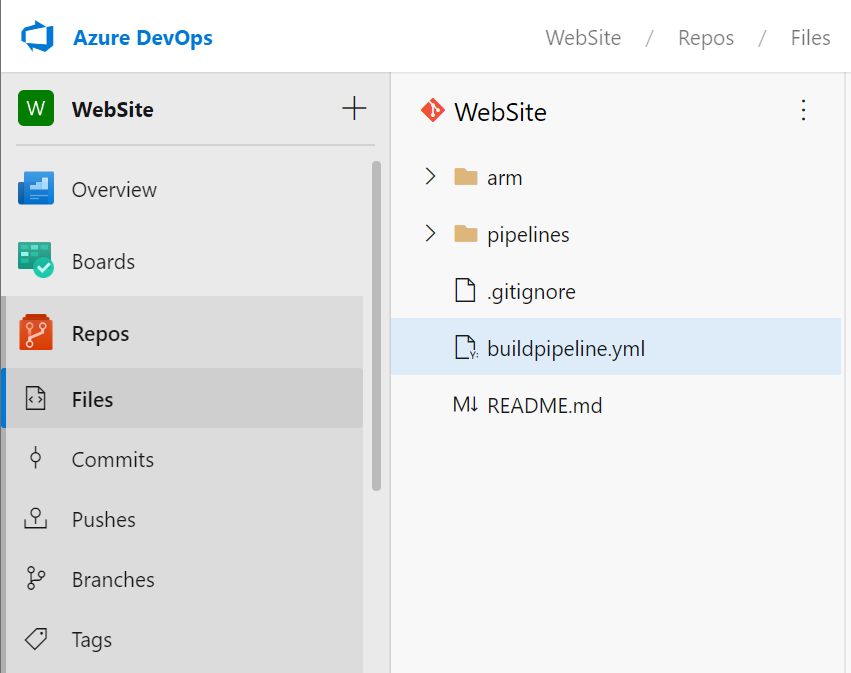
(Keep in mind that when you are creating an folder through the web interface you also need to create an file in that folder.)
Ok so now what.
Lets start by setting up a connection to my azure portal (which already exists with an subscription) by making an service connection.
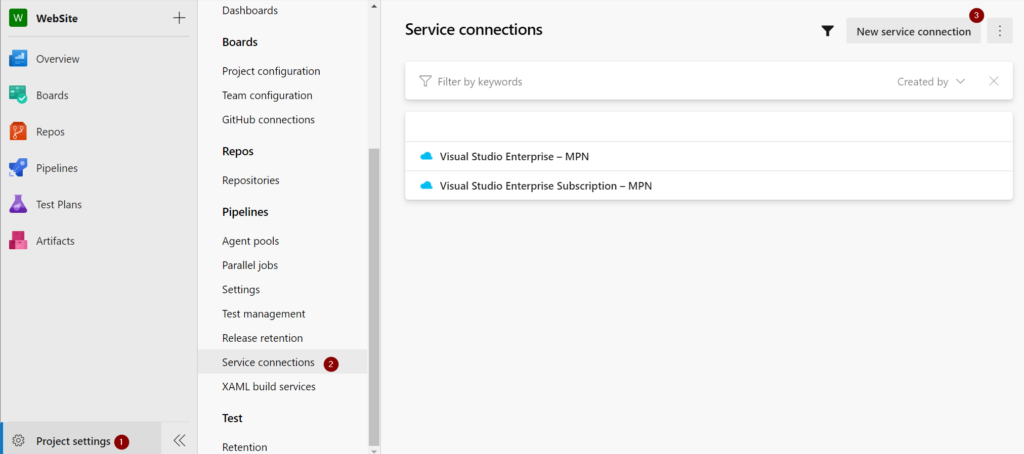
Go to project settings (1), Service Connections (2) and create new service connection (3)
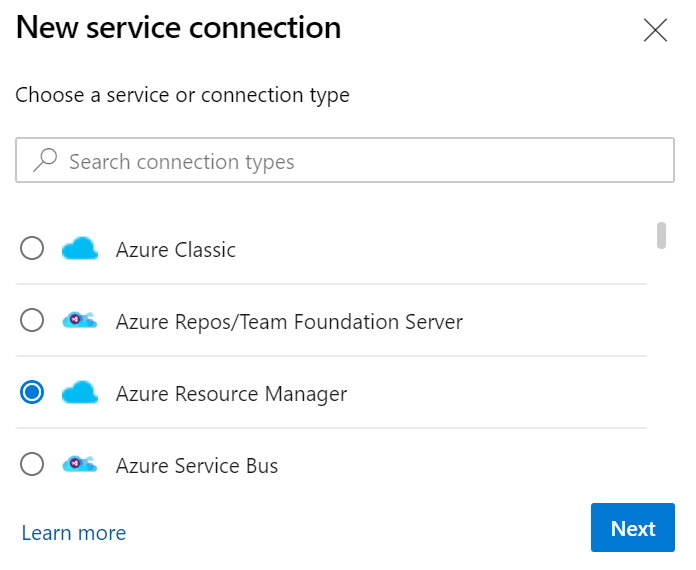
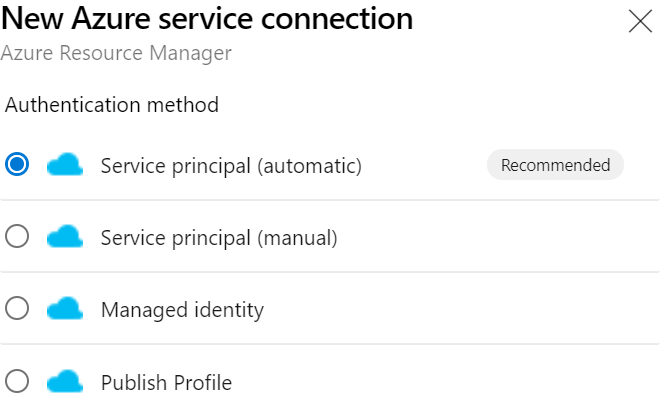
From here i choose for an Azure Resource Manager connection
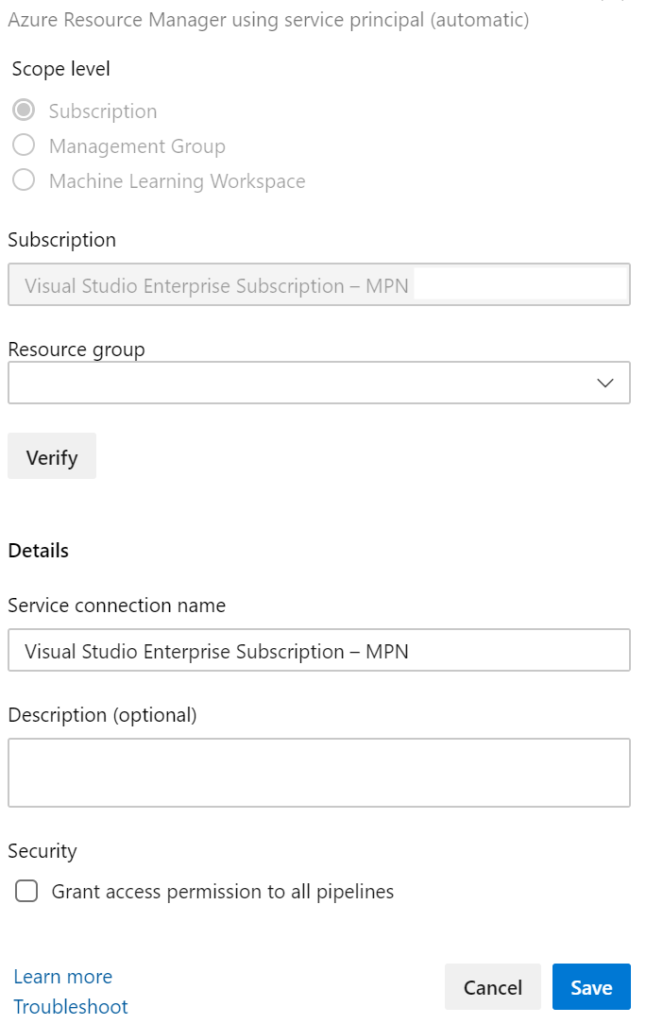
I am used of the manual process so i tried the automatic one for now (same account for DevOps as for my Azure Global Admin) which resulted in a quick connection.
you should have something like this in the end:
This will be the basis for the next couple of posts